Excel, CSV and JSON
Export your data in the format that works best for you. Use Excel for spreadsheets, CSV for simple data handling, or JSON when you need structured data for development.
Chrome extension
Effortlessly export any Instagram follower or following list directly to Excel, CSV, or JSON. Get complete profile details—including bio, category, post count, and follower/following metrics—formatted into clean, ready-to-use files. Easily pause and resume export tasks anytime without losing progress.

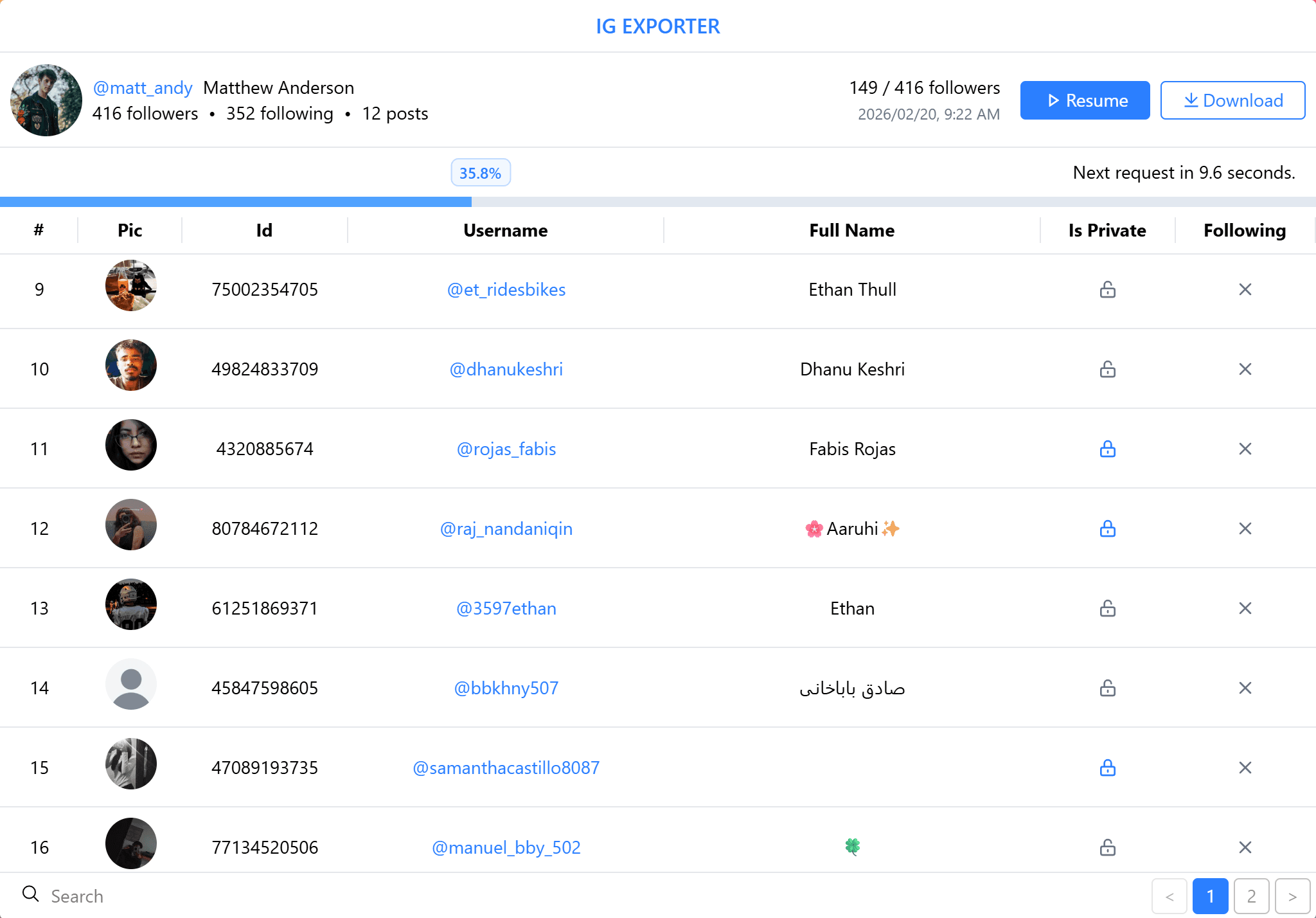
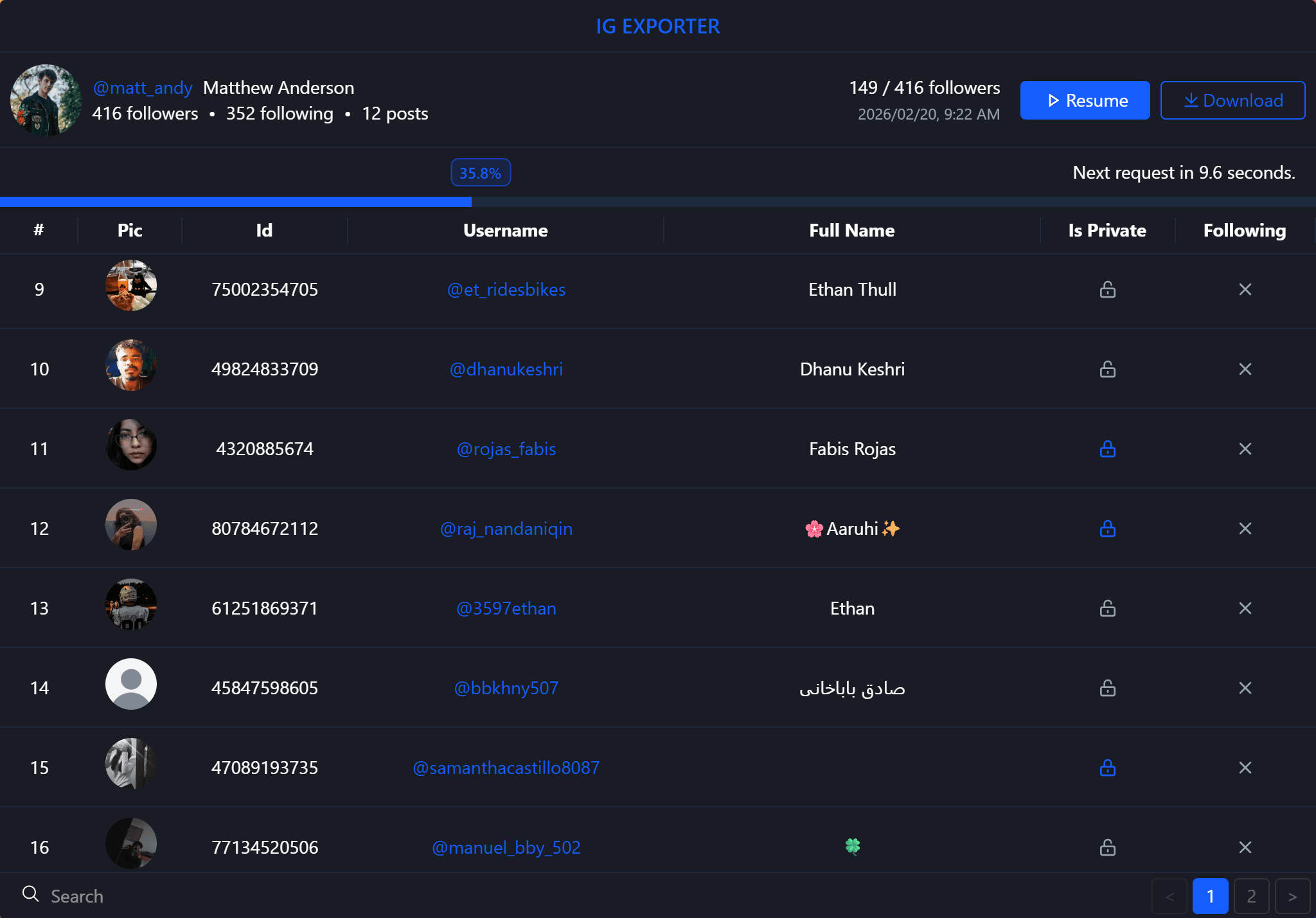
Extension dashboard — preview extracted data in real time
01Features
Useful features that give you more control over your exports, from start to finish.
Export your data in the format that works best for you. Use Excel for spreadsheets, CSV for simple data handling, or JSON when you need structured data for development.
Enable Detailed Info to include additional profile details such as follower and following counts, post count, bio, category, contact information and external links.
Progress is saved as the export runs. Pause it, close the popup, come back tomorrow — the task continues from the last extracted row instead of starting over.
Exports are paced to avoid sending requests too quickly. Built-in delays help reduce the chance of hitting Instagram's rate limits while keeping the export moving.
Extraction and file creation both happen inside the extension. There is no account to create, no server that sees your rows and no upload step to trust.
Just install the extension and start exporting. No account, API keys, or complicated configuration needed — everything you need is ready to go.
02How it works
Enter a username, choose what to collect, and export the results. Follower Exporter handles the requests, rate limits, and progress along the way.
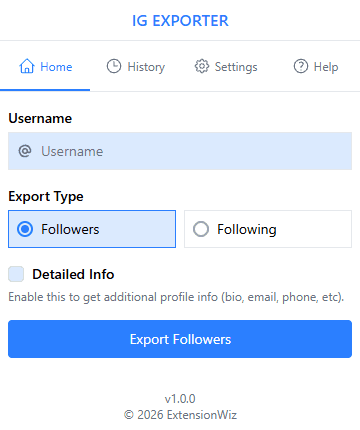
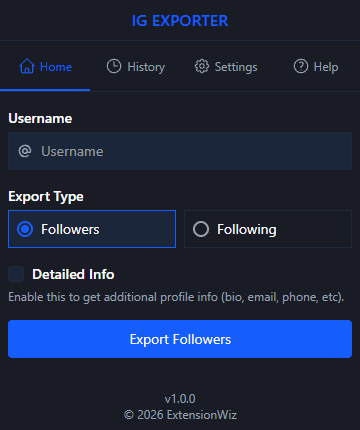
Open Follower Exporter from the Chrome toolbar and enter the Instagram username you want to export. Just stay logged in to Instagram in your browser — there’s no separate login or setup inside the extension.
Pick the list you want to export. The selected list is also included in the export filename, making different exports easy to identify.
Enable Detailed Info for a more detailed export. Keep in mind, it takes longer because the additional data is requested separately for each user.
Start the export and let Follower Exporter handle the process. You can monitor the progress and rate-limit delays, pause it anytime, and download your results as CSV, Excel, or JSON when it’s done.

03Why choose it
Skip the manual work of collecting follower data and get straight to using it for research, outreach, and audience insights.
Skip the hours of opening profiles, copying usernames, and cleaning up spreadsheets. Get the follower list you need in minutes and spend that saved time on the work that actually matters.
Once the audience is in a spreadsheet you can sort, filter and segment it, then work through the accounts that genuinely match what you are looking for — outreach stops being guesswork.
Instead of judging an audience by its follower count alone, work with the underlying profiles. See who actually makes up an account's audience and use that information to guide your next move.
Also worth knowing
04Use cases
Four ways Follower Exporter fits into real work.
Marketing agencies
Export followers from accounts in your clients' niches and filter the data to find relevant prospects. Turn large audiences into organized lists ready for further research and outreach.
Social media managers
Export follower lists regularly and compare them to spot new followers, lost followers, and changes in audience size. Track how competing accounts grow and how their audiences change.
Brand owners
Explore followers of established brands and niche accounts to learn more about the people interested in your market. Use available profile details to identify audience patterns and inform your strategy.
Sales teams
Export followers from relevant businesses and niche accounts to discover potential customers. Filter the data by available profile details and organize promising leads for further research and outreach.
05Testimonials
See how it fits into different workflows for exporting and working with follower data.

Marcus H.
Social media analyst
I needed a quick way to get a follower list into a spreadsheet without copying everything by hand. Now I can export it, sort the data, and start working with it right away.

Tomas B.
Influencer marketing specialist
The detailed export saves me a lot of time when researching accounts. Having follower counts, bios, and other profile details together makes it much easier to compare accounts.

Dilani R.
Social media manager
I use the exports when preparing client reports. Instead of sending screenshots or manually copying usernames, I can give clients a clean spreadsheet they can actually work with.

Ayesha K.
Marketing manager
I export competitor followers regularly to see how their audiences change over time. It gives me a simple way to compare accounts and keep track of new followers without checking each profile manually.
06FAQ
If yours is not here, email us and we will answer you directly.
Still stuck on something?
Tell us the extension version and what happened.
Export follower data from Instagram and get it in a file you can sort, filter, analyze, and use however you need.
Works on all major browsers · No setup required